Homework
Tick it off.
Hand it in.
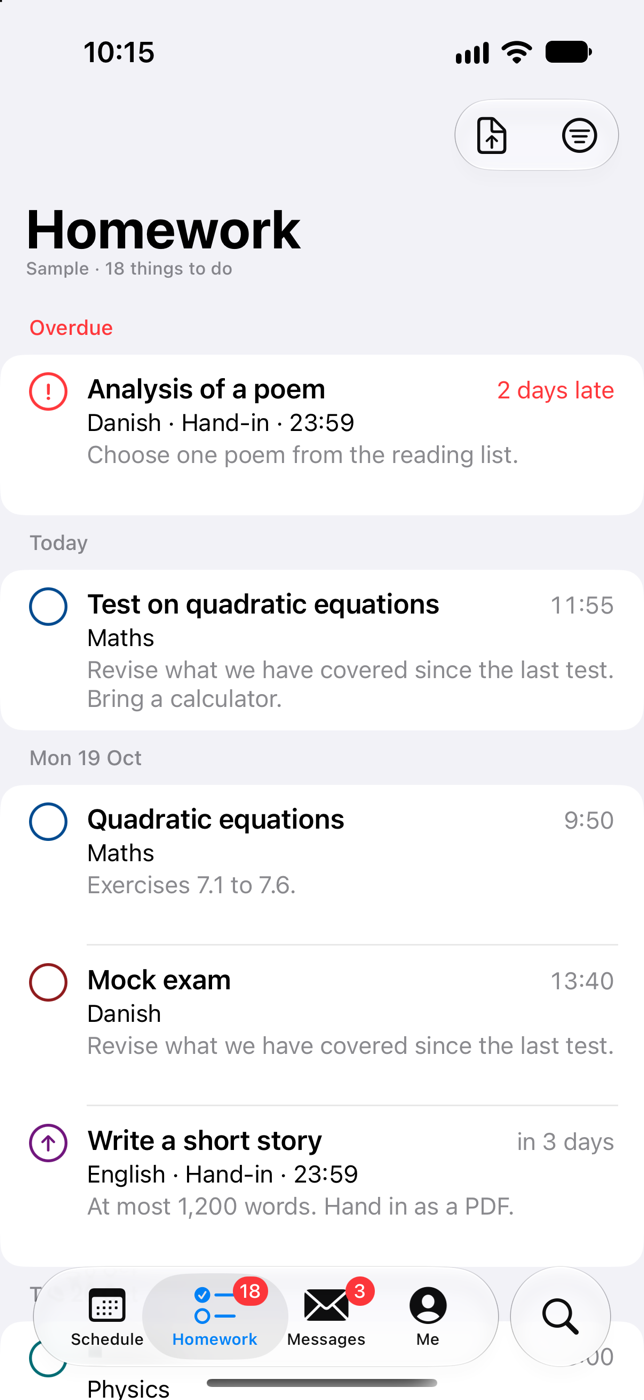
Homework and assignments in one list, by the day they're due, with what's overdue on top. Hand in photos, files or a scanned page right from your phone.

Lectio Pro for iPhone
Your schedule, homework, messages and grades from Lectio, in one app that feels at home on your iPhone.
Coming soon to the App Store
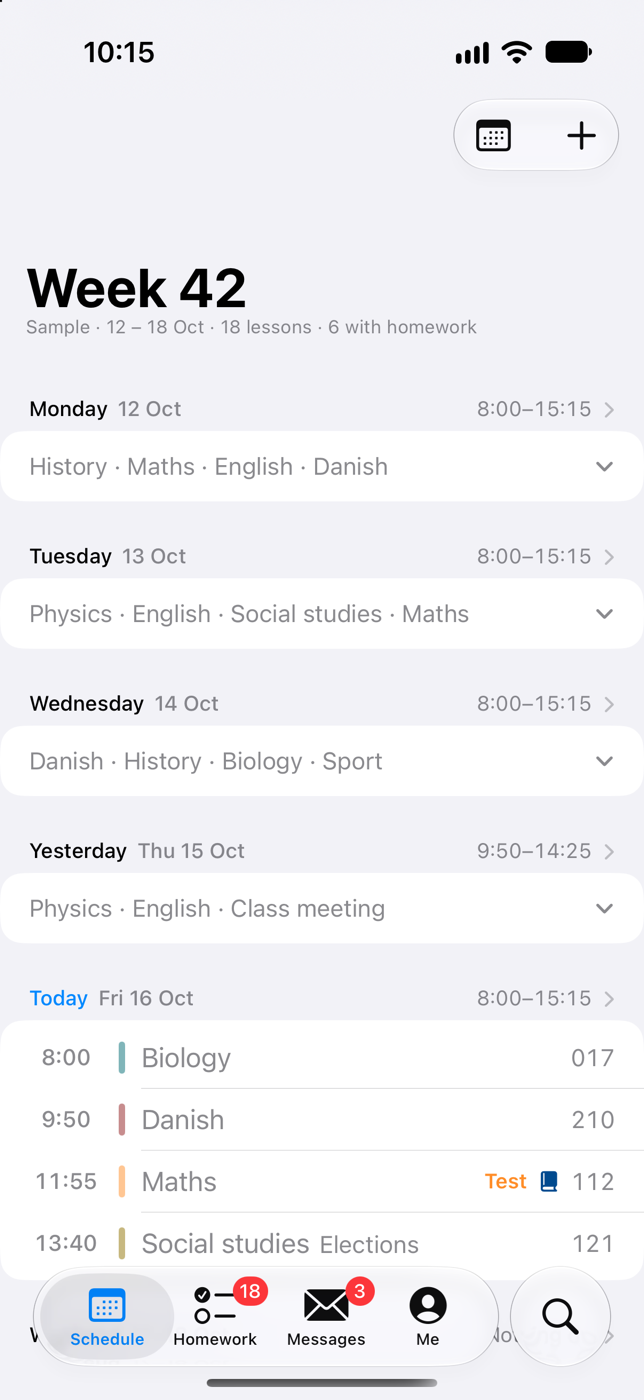
Schedule
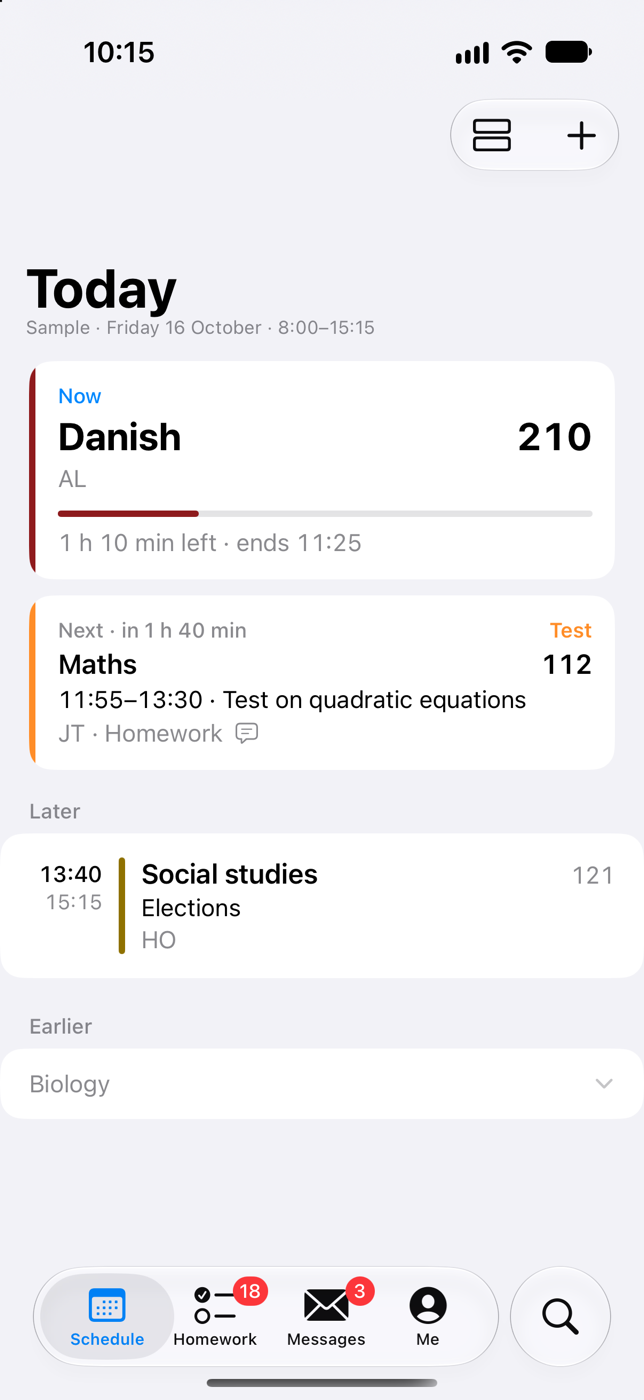
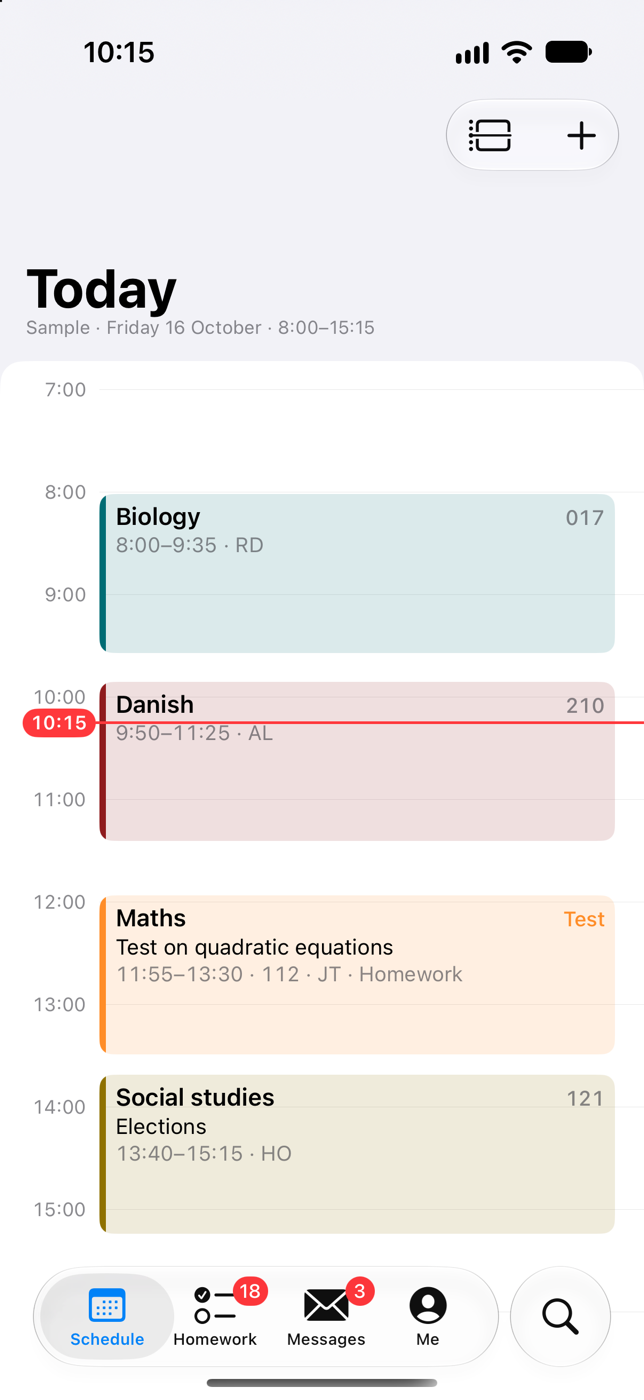
Open the app and see the lesson you're in, how long is left, and what comes next, with its room. Changed rooms and cancelled lessons are right there, as Lectio has them.
Homework
Homework and assignments in one list, by the day they're due, with what's overdue on top. Hand in photos, files or a scanned page right from your phone.
Messages
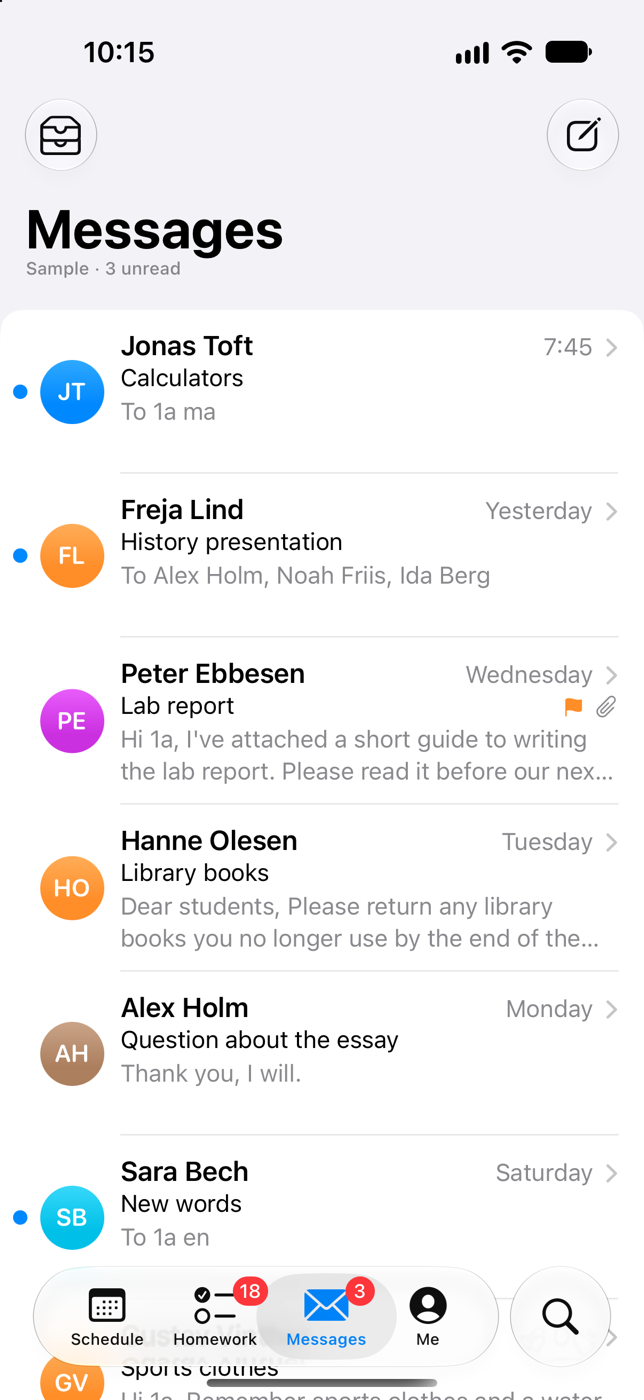
Your Lectio inbox, with a face for everyone. Read whole conversations, reply, flag and find any message. Touch and hold a face to see that person's schedule.
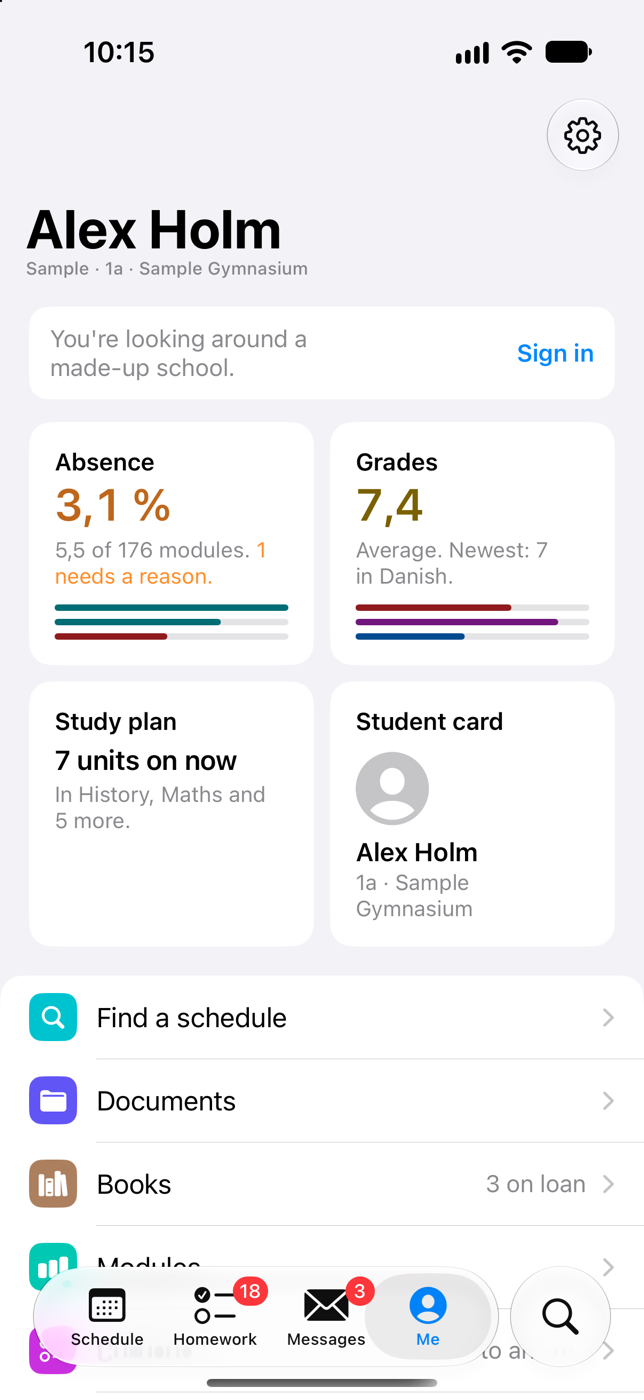
And more
Absence, grades, your study plan and your student card, arranged the way you like.
Your next lesson on the Home Screen and the Lock Screen, with a countdown through the break.
A heads-up before each lesson, if you want one. And a note when a room changes or new homework or a message arrives.
Your digital student card, with its code kept up to date.
Any teacher's, class's or room's week.
AI · In the beta
The app can translate, summarise and answer questions about a message, a lesson, a homework or an assignment, and help with a message you're writing.
AI is off until you turn it on: the first time you tap one of these, a screen says what is sent and to whom, and nothing is sent unless you tap Turn on. Then what you tap AI on goes through Lectio Pro's server to Anthropic, whose AI, Claude, does the work.
What's sent, and what's kept ›Privacy
You sign in on the real website, shown inside the app. The app never sees or stores your password. It fetches your information directly from Lectio to your phone and keeps it there. Nothing of it is sent to the developer or anyone else, except what you use AI on. No ads, no analytics, no tracking.
Read the privacy policy ›